

System connectors
Working extracts from Primavera P6, Smart 3D, Navisworks, Smart Materials, Aveva tools, and UDiTH, built against your project's actual configurations, naming conventions, and revision rules.
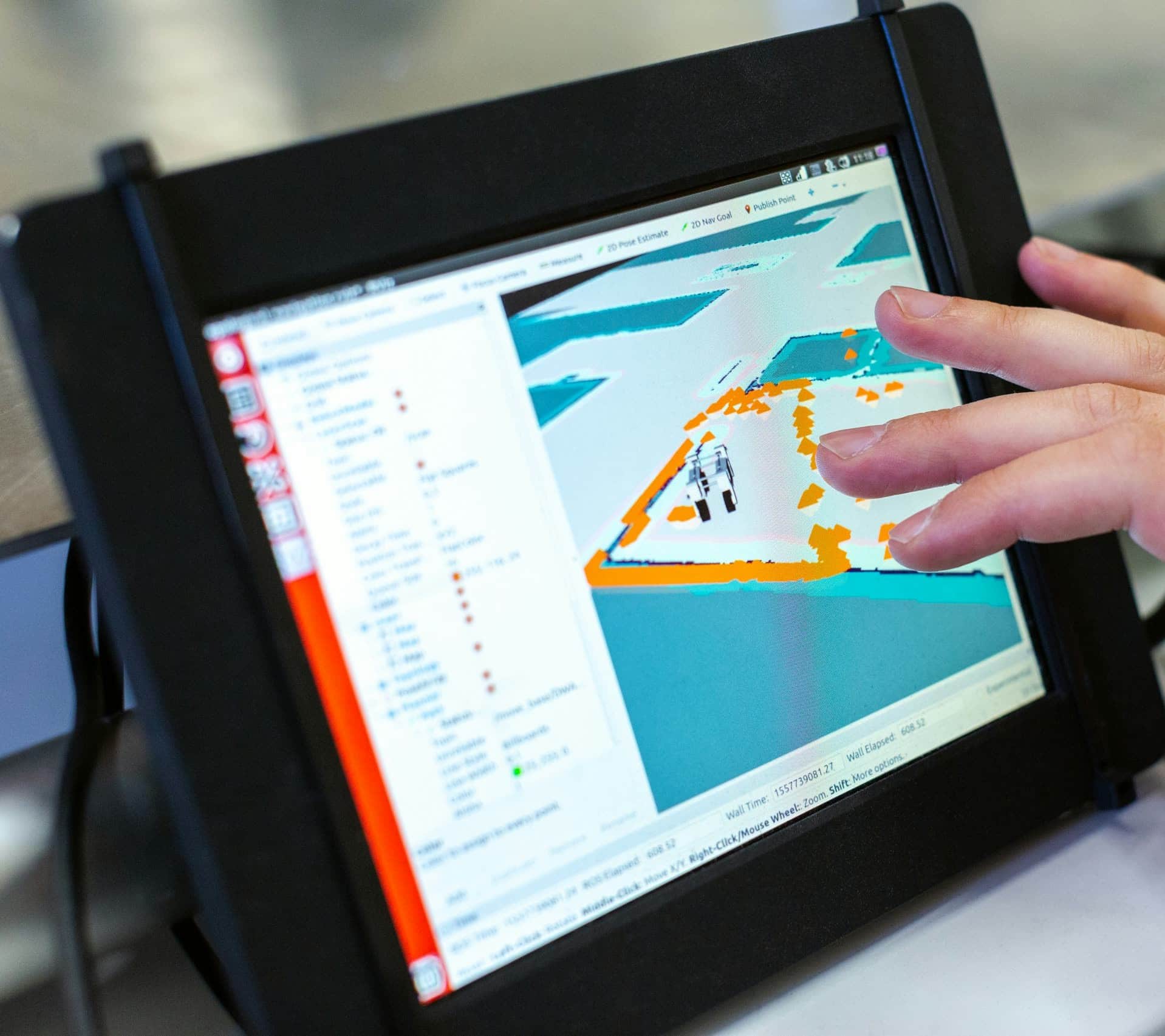
Extract, validate, and join data from the systems your project already runs (P6, the 3D model, materials, completions) into one governed dataset on your infrastructure.
Working extracts from Primavera P6, Smart 3D, Navisworks, Smart Materials, Aveva tools, and UDiTH, built against your project's actual configurations, naming conventions, and revision rules.
Three layers your team can query end to end: raw source extracts, a validated layer where reference data is standardized and relationships are established, and governed reporting datasets on top.
Automated cross-system checks (schedule to model, tags to materials and purchase orders, document metadata to package assignments) with every exception published to a dashboard and tracked to closure week over week.
Source mapping
Walk each system with the people who run it and record which system owns each field in the project's Data Requirements.
Connector build
Stand up extracts and joins against live project data, reviewed with the leads who own each source.
Orchestration
Automate the refreshes, turn on the validation checks, and put the exception dashboard in front of the project.
Handoff
Document the pipeline and train your team to run and extend it without us.
On a capital project the schedule lives in Primavera P6, the model in Smart 3D or Navisworks, materials in Smart Materials, documents in the DMS, and progress in whatever each contractor brought to site. Each one is maintained by people doing their jobs properly, and they still drift apart. A drawing sits in the DMS that the MDR has never heard of. An ISO is issued per the list but absent from the model. The constructor builds from revision B while engineering has issued C. On an advanced work packaging program that drift lands on the planning team, because no package should release against data that disagrees with itself.
We build and run the pipeline that puts those systems on one spine. The project's Data Requirements come first, recording what each system must carry and which system owns each field. Extracts land raw from every source. A validated layer standardizes reference data, removes duplicates, and establishes the relationships the project runs on (activity to package, tag to purchase order, document to EWP). Governed reporting datasets sit on top. Automated checks compare the systems to each other and publish the exceptions (a revision mismatch, an orphaned tag, a document with no package assignment) to a dashboard, where each one carries an owner and a closure date. We fix what the checks find. We have done this work on live capital projects, connecting Primavera P6, Smart 3D, Navisworks, Smart Materials, Aveva tools, and UDiTH (Universal Digital Twin Hub).
What comes out is one governed dataset the whole project reads. The Project Portal, the Power BI reports, work packaging, completions, and material readiness tracking all draw from the same source, so the number in the lookahead is the number in the executive report. When the model revises or the schedule moves, the change flows through on the next refresh. The connectors, the warehouse, and the datasets run on your infrastructure and stay with you when the engagement ends.
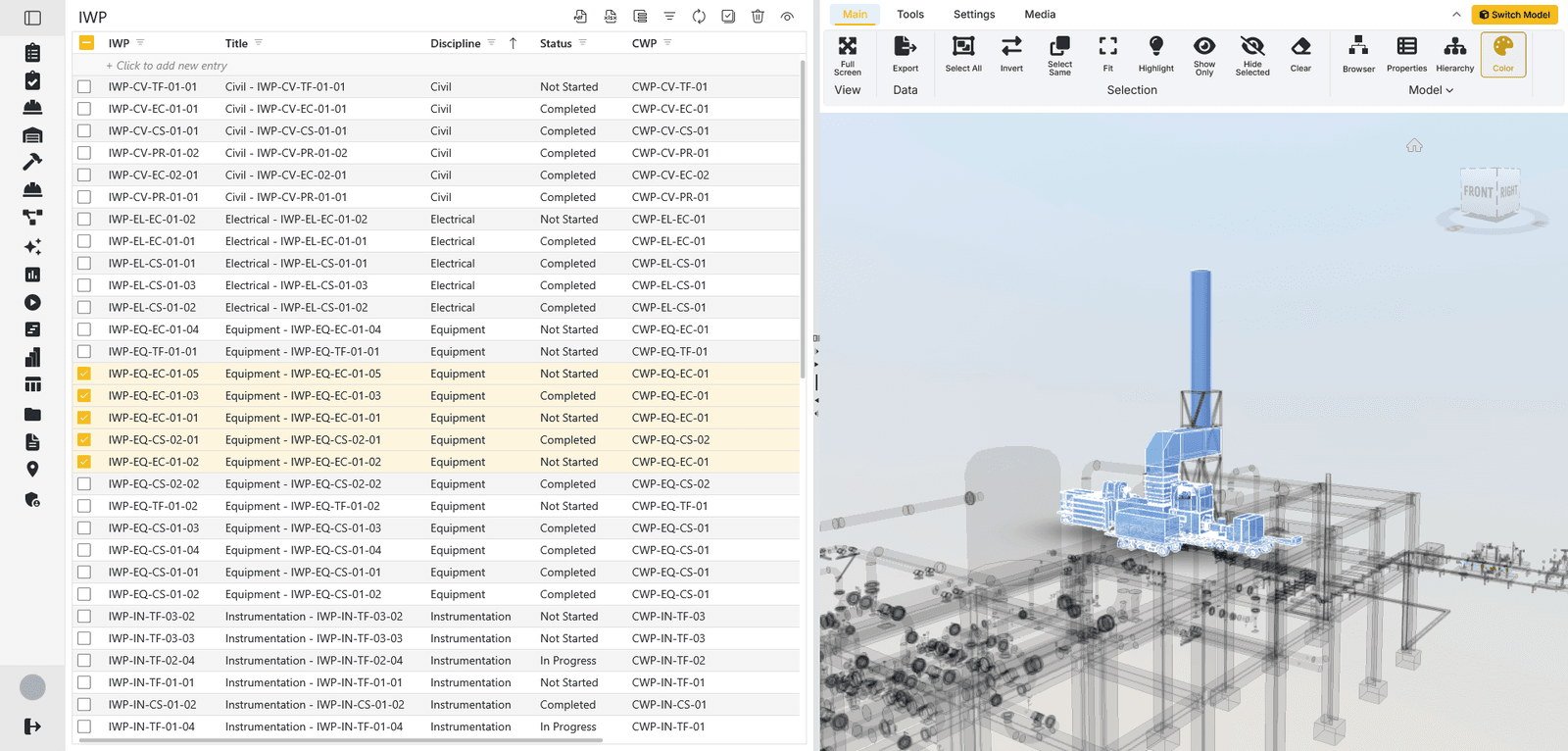 openAWPWork packaging with a full API surface and swagger docs, built to plug into the same pipeline.
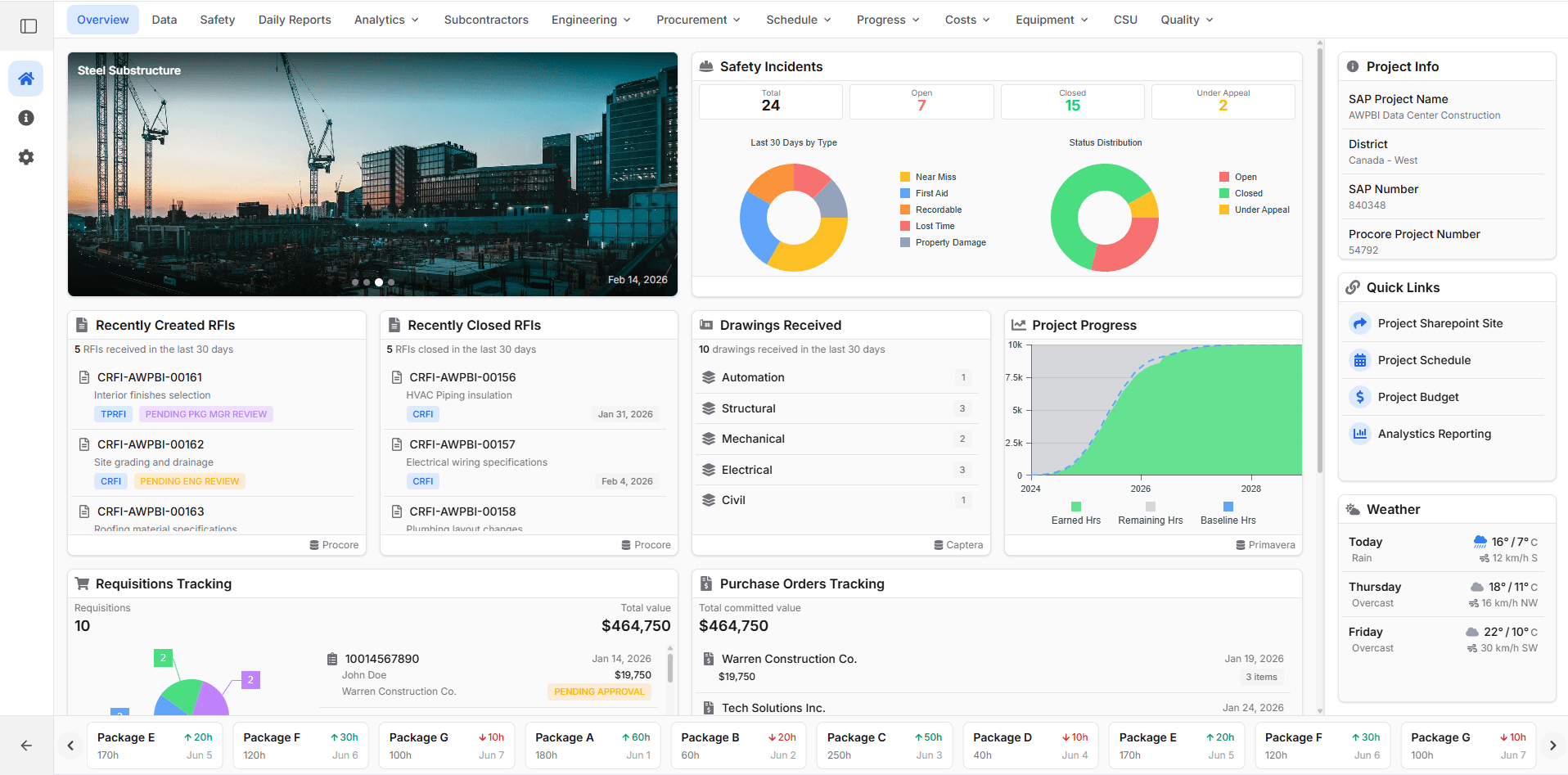 Project PortalThe front end of the common data environment, where every stakeholder reads what the pipeline delivers.
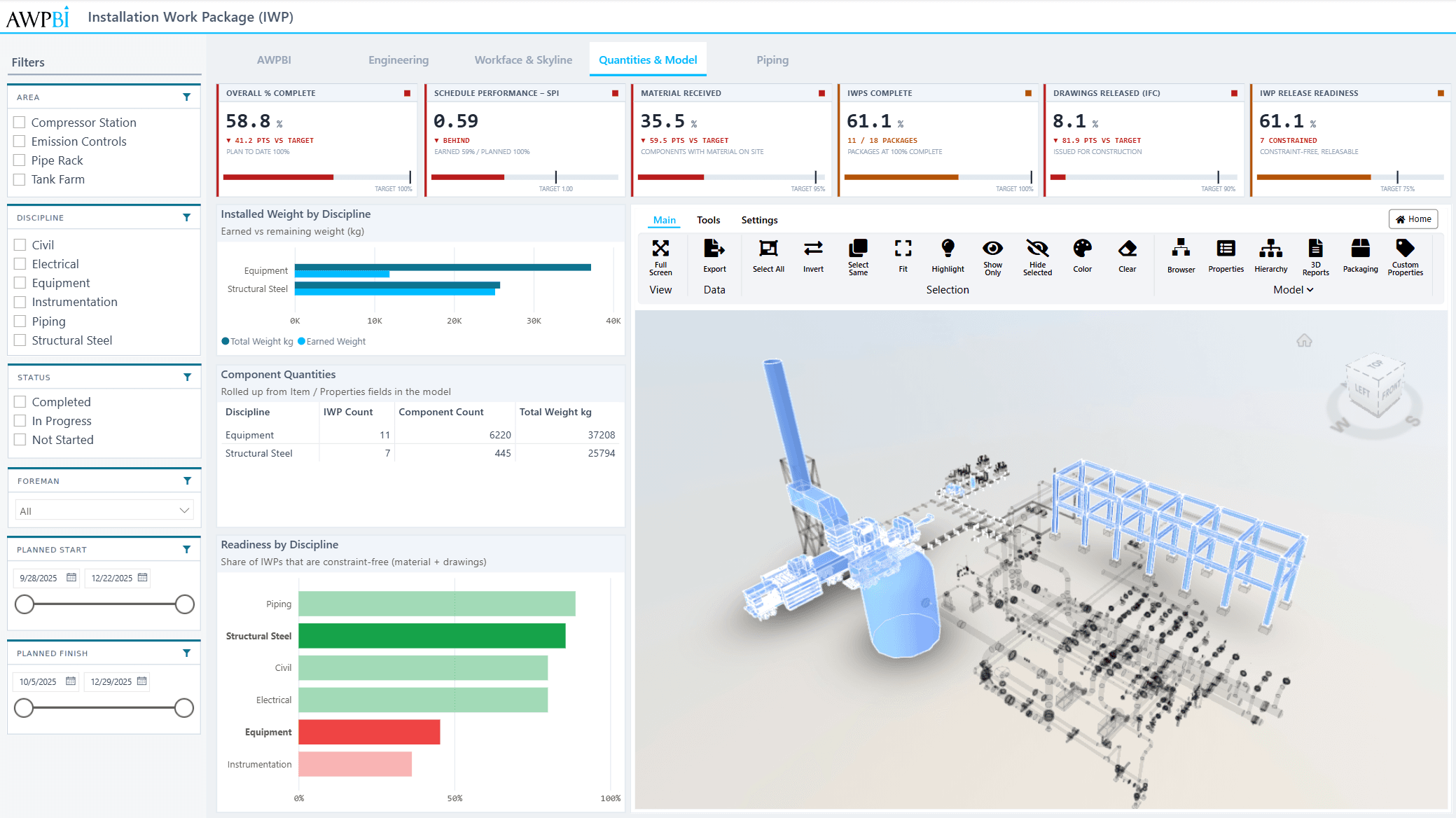 3D for Power BIA Power BI custom visual that colors the 3D model by the status fields the pipeline maintains.
We sit down with your scheduling, model, and materials leads, map what each system holds, and scope the first pipeline build.