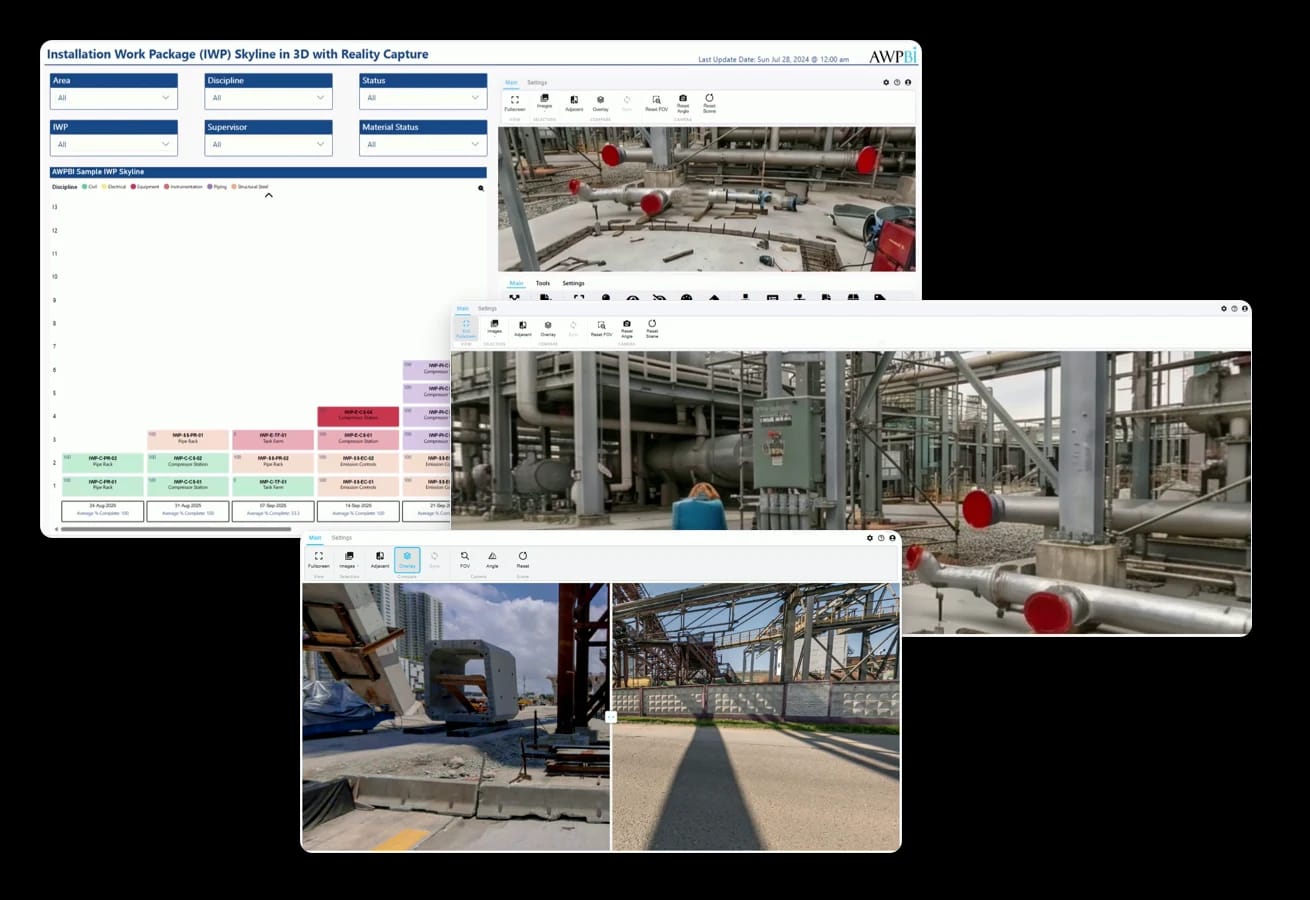
360-degree site imagery, served through SharePoint and linked to your project data, so the people planning the work can see the site as it is.
Install free from AppSource and use it in Power BI Desktop. The Publish and Share plan covers the Power BI Service; enterprise licenses and custom implementations run through info@awpbi.com.
Power BI certified visual, from Microsoft AppSource.
Planners and engineers review current 360-degree imagery in the browser, which matters most on brownfield scopes where the model does not tell the whole story.
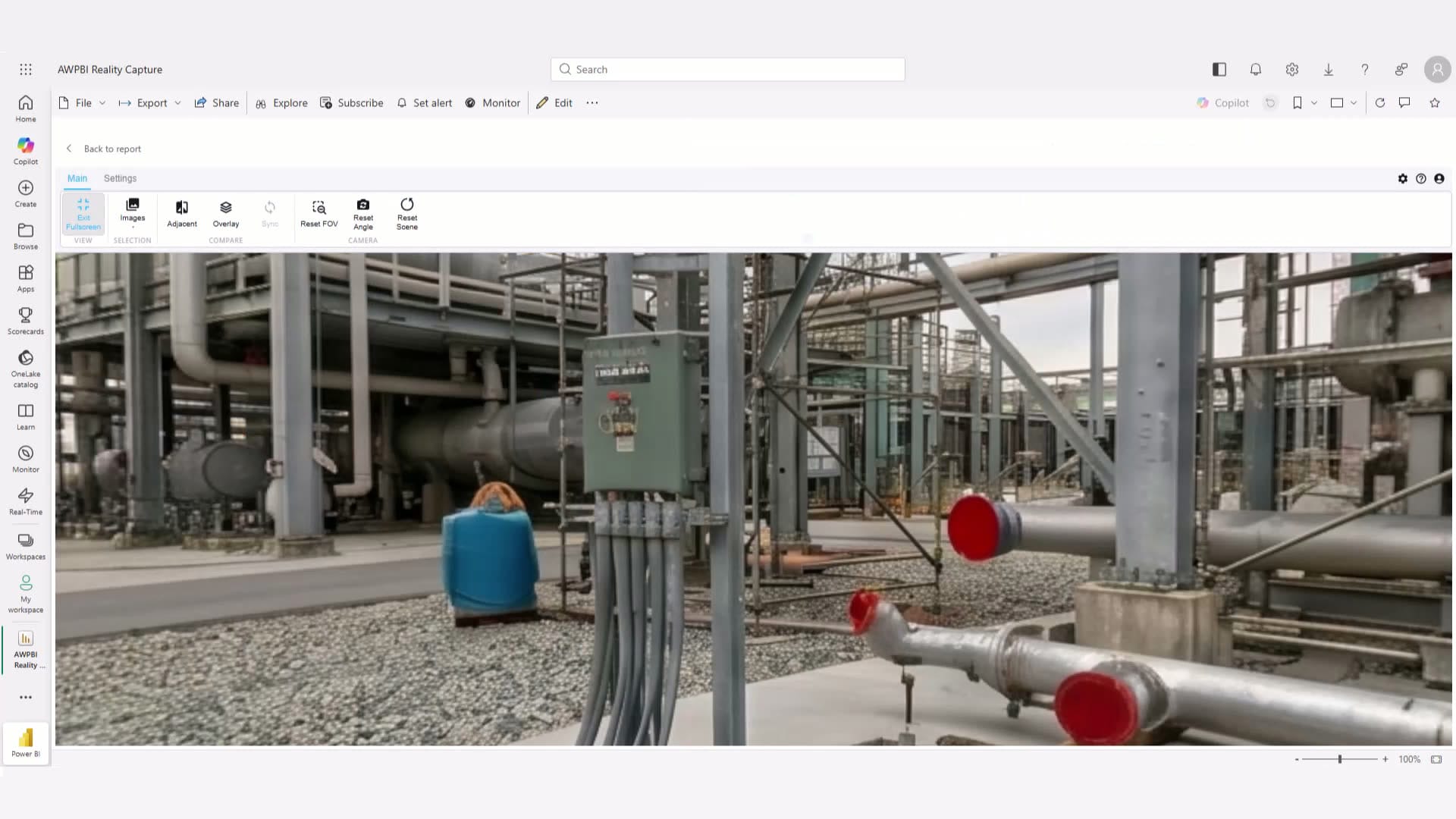
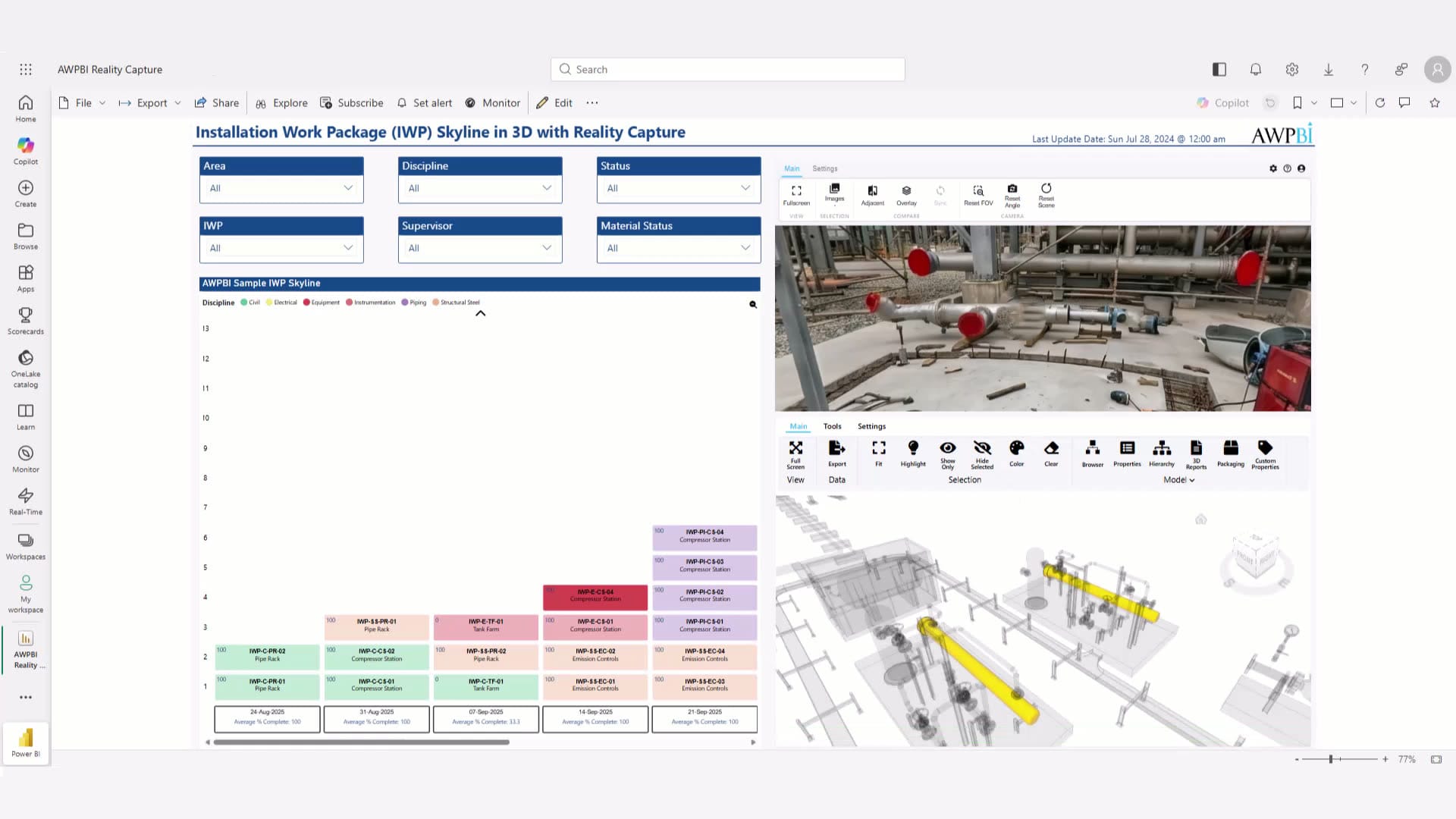
Imagery is stored and served through SharePoint on your Microsoft 365 tenant: your storage, your permissions, your governance. Captures are linked to your project data, so you open the views for a work area or package.
Pan and zoom through full site captures, with keyboard navigation.
Side-by-side and overlay comparison views for site imagery.
Captures are tied to the areas and packages they show.
Imagery lives in SharePoint on your Microsoft 365 tenant.
Access follows the SharePoint permissions you already manage.
Anyone with SharePoint access opens a capture in the browser.
Each capture carries its date, building a visual history of the site.
Pull up the imagery for the exact scope you are planning, filtered by area or package.
Reality Capture is a Power BI custom visual serving imagery from SharePoint, so captures live on the Microsoft 365 tenant you already govern.
 Power BIThe viewer is a custom visual, so it sits on your report pages.
 SharePointImagery lives on the Microsoft 365 tenant you already govern.
Common in these industries
Book a live demo, or talk to us about how capture fits your project.
